Back to Homepage


Delete Your Account

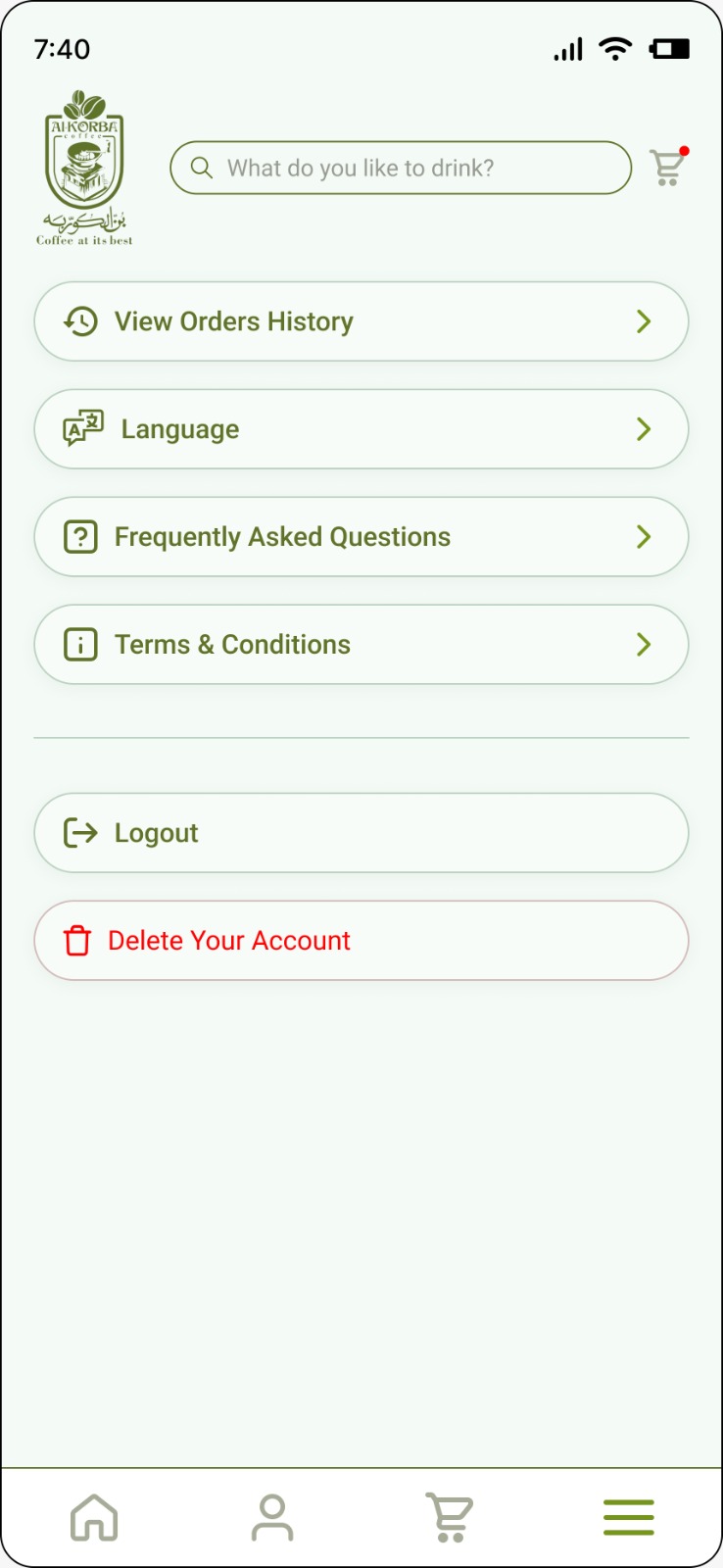
Step 1 : Go to app settings and click "Delete Your Account"

A screen shot of the app's settings page, at the bottom there is a button to delete the account

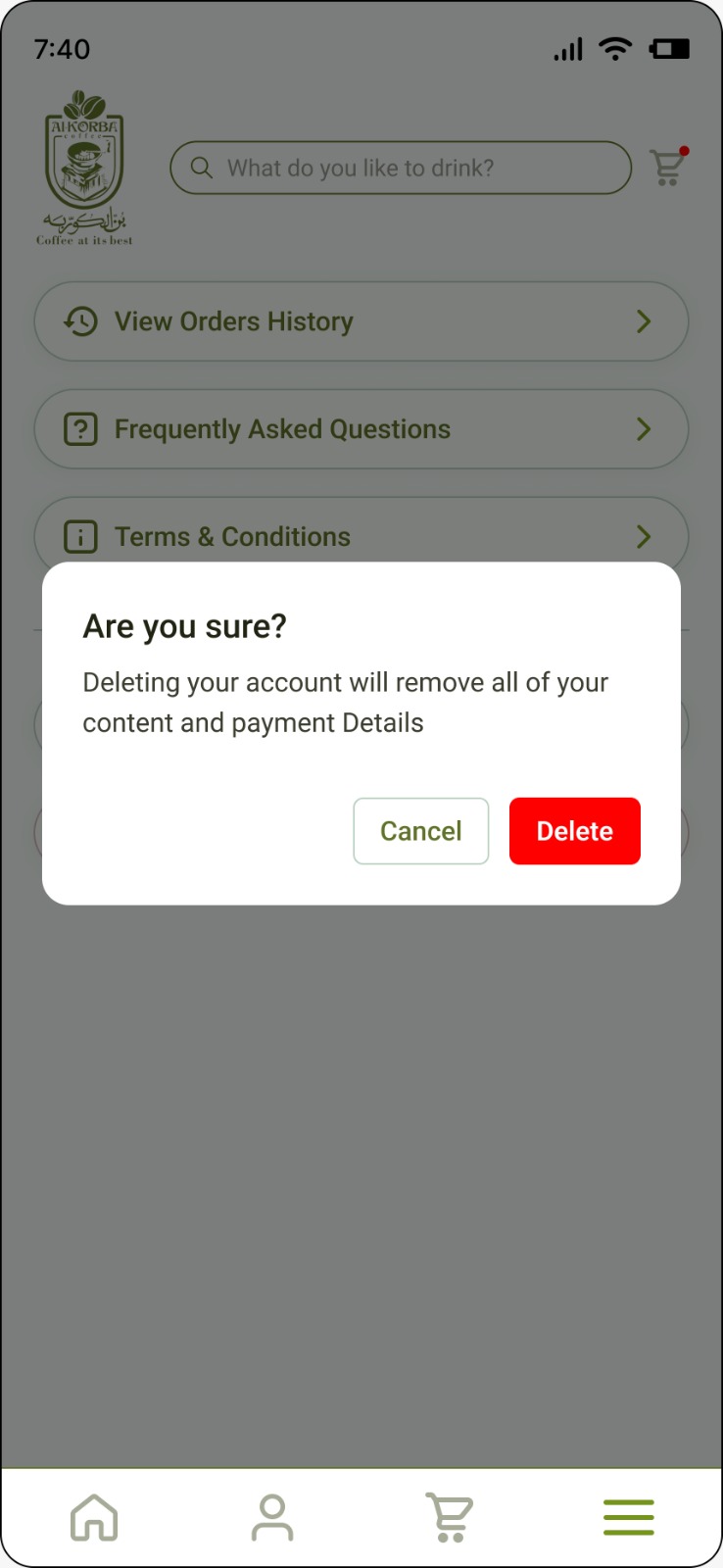
Step 2 : Confirm that you want to delete your account"
A screen shot that shows popup that asks the user to confirm the action of deleting their account